









Short answer: the charge usually appears under the platform's name plus a suffix, for example "ONLYFANS.COM*A," although the exact text depends on your bank and the date. If you don't recognize it, first check your subscriptions inside your account; if it doesn't add up, write to the platform's support and, if it's still unclear, dispute it with your bank and block the card.
This guide is for fans 18 and older who want to understand their charges, spot mistakes or double billing and react in time. It doesn't replace your bank's advice: deadlines and rights vary by country and card type. If you want to stop paying, first see how to cancel an OnlyFans subscription.
What name shows on your statement
There is no single answer, and sources don't fully agree. According to the Privacy.com blog (September 25, 2025, a virtual-card company, so its text is commercial), current charges usually look like "ONLYFANS.COM" with a letter suffix (*A, *B or another). That source also notes that at other times some banks showed "OF*" followed by the creator's name, that for a brief period in 2023 the parent company's name (Fenix International Limited) appeared, and that some cards show "CCBill.com *OnlyFans" if the payment goes through that processor.
| How it may appear | What it means |
|---|---|
| ONLYFANS.COM*A (or *B) | Most-cited current format; the suffix can vary. |
| Fenix International Limited | The owner company's name; seen in some periods. |
| OF* and a name | Older format that included the creator. |
| CCBill.com *OnlyFans | Payment handled by an intermediary. |
Because the text changes by bank, don't rely on the name alone: compare the date and amount with what you see inside your account.
How to recognize a charge, step by step
- Write down the details: date, time, amount and exact statement text. Remember prices are charged in dollars and your bank converts them, so the amount in your currency can vary with the exchange rate and fees.
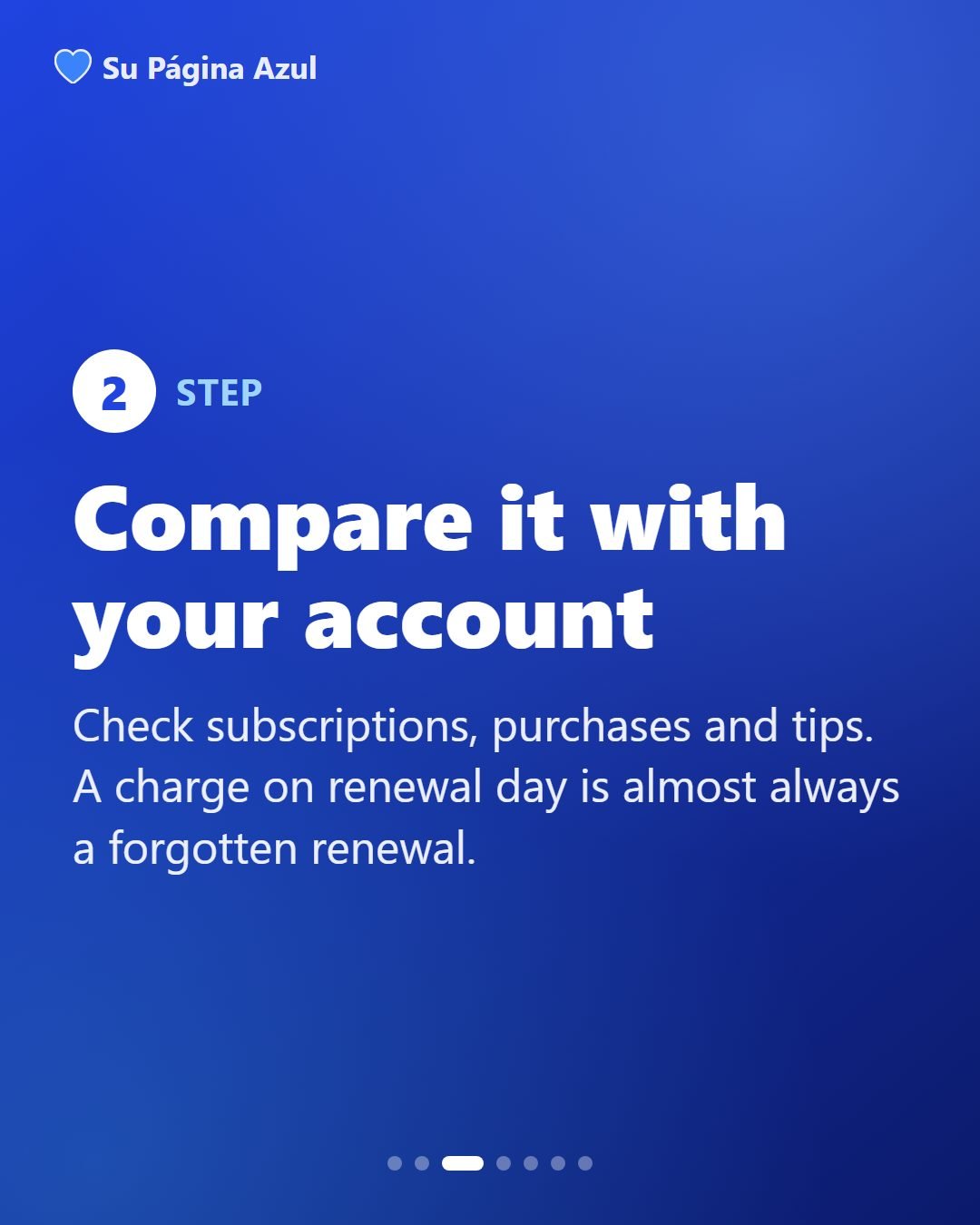
- Log in and look at your subscriptions list, purchase history and tips. A charge can be a renewal, a paid message or a tip.
- Compare dates. Renewals fall on the same day each month, without prior notice. A charge on that day is almost always a forgotten renewal.
- Check extra cards and who has access to your card (partner, relative, a digital card on your phone).
- Look for small verification charges. Some pages mention a charge of a few cents when adding a card; we couldn't confirm it with an official source, so treat it with caution.
If you don't recognize the charge
- Rule out the obvious: a forgotten subscription, a renewal, a purchase with another card of yours or a double charge by the merchant (BBVA Mexico recommends doing this before reporting).
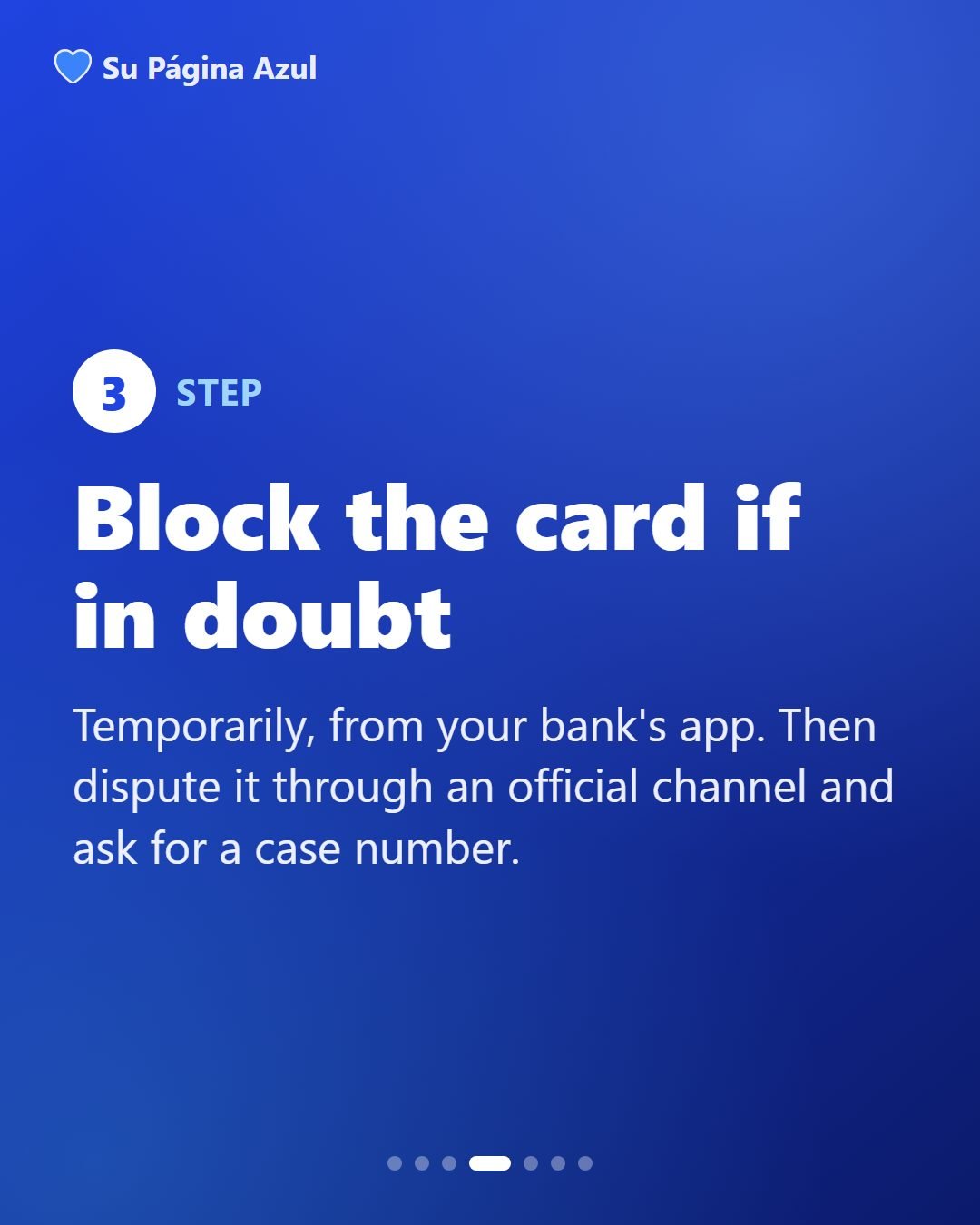
- Temporarily block the card from your bank's app if you suspect someone else used it.
- Contact the bank through an official channel (app, card hotline, branch) and ask for a case number.
- File the claim in writing if your bank requires it, with screenshots, statements and emails. In Spain, consumer group OCU recommends blocking the card, reporting to the police and claiming from the bank to ask for the money back.
- Change your password on the platform and turn on two-step verification.
Deadlines vary: an OCU article from 2020 says that in Spain the bank must return unauthorized amounts by the end of the next business day, unless it has reasoned suspicion of fraud. BBVA Mexico warns that some investigations can take up to 90 business days. Confirm your country's deadline with your bank or local financial authority.
If you were billed twice
- Check that it's really double: two charges of the same amount on the same day can be two different creators, or a subscription plus a tip.
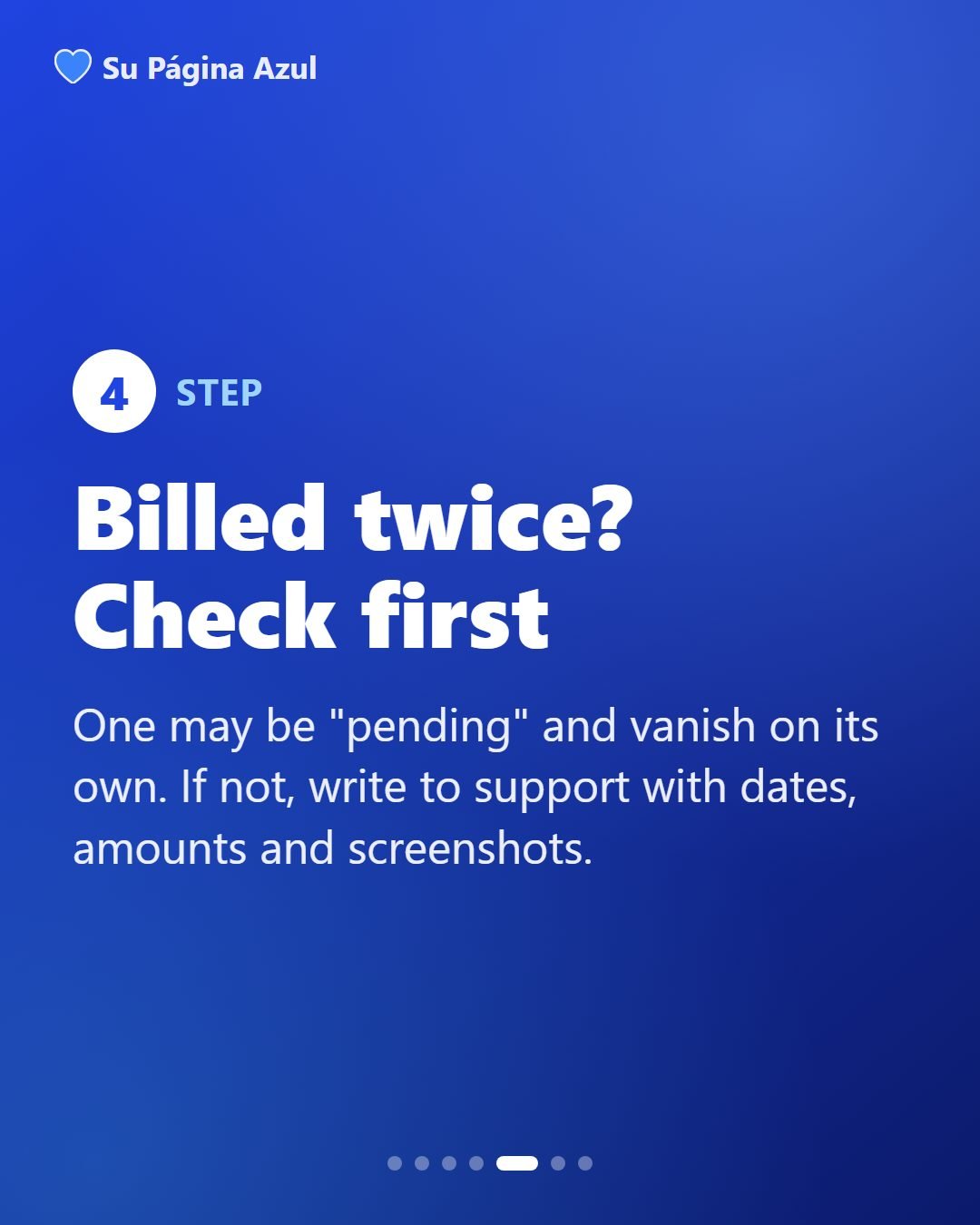
- See whether one is "pending." Many banks show a temporary authorization that disappears on its own within days.
- Write to the platform's support with dates, amounts and screenshots of both charges, and ask for a review.
- If they don't answer or fix it, dispute the duplicate charge with your bank, with the case number and evidence.
Refunds: what to expect
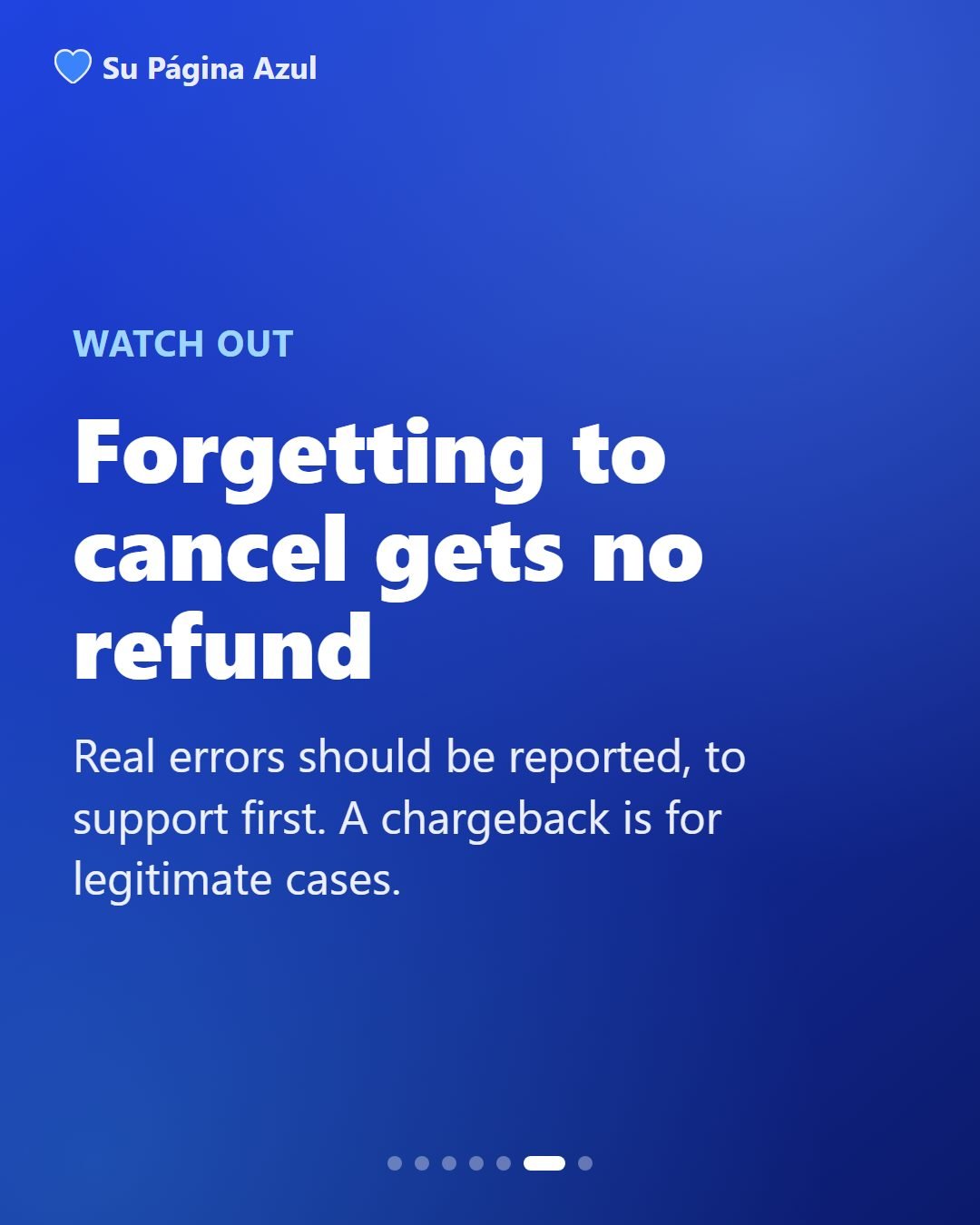
According to the Terms of Service, the platform asks users not to make unjustified refund requests or chargebacks, and it may suspend an account for bad-faith chargebacks. Alphr notes that no refunds are issued for forgetting to cancel. So: real errors (double billing, an unauthorized charge, fraud) should be reported, and to support first; regretting a purchase or forgetting the renewal normally doesn't entitle you to a return. A chargeback with your bank is a tool for legitimate cases, not a way to recover a subscription you did use.
How to avoid surprise charges
- Turn off renewal on subscriptions you won't use, a few days before the charge.
- Set a monthly cap and check your statement every month.
- Use a card with a limit or a virtual card, and turn on your bank's purchase alerts.
- Enter only through the creator's official link and never pay outside the platform. See how to spot fake accounts and how to pay in your country.
- Don't install "apps" or use sites promising free content: they often steal card data. Read the risks of Telegram leaks.
This article is informational and for readers 18 and older; it is not financial or legal advice. Check deadlines with your bank.
First time? Read how to sign up and subscribe on OnlyFans before adding your card.
This guide in 7 images
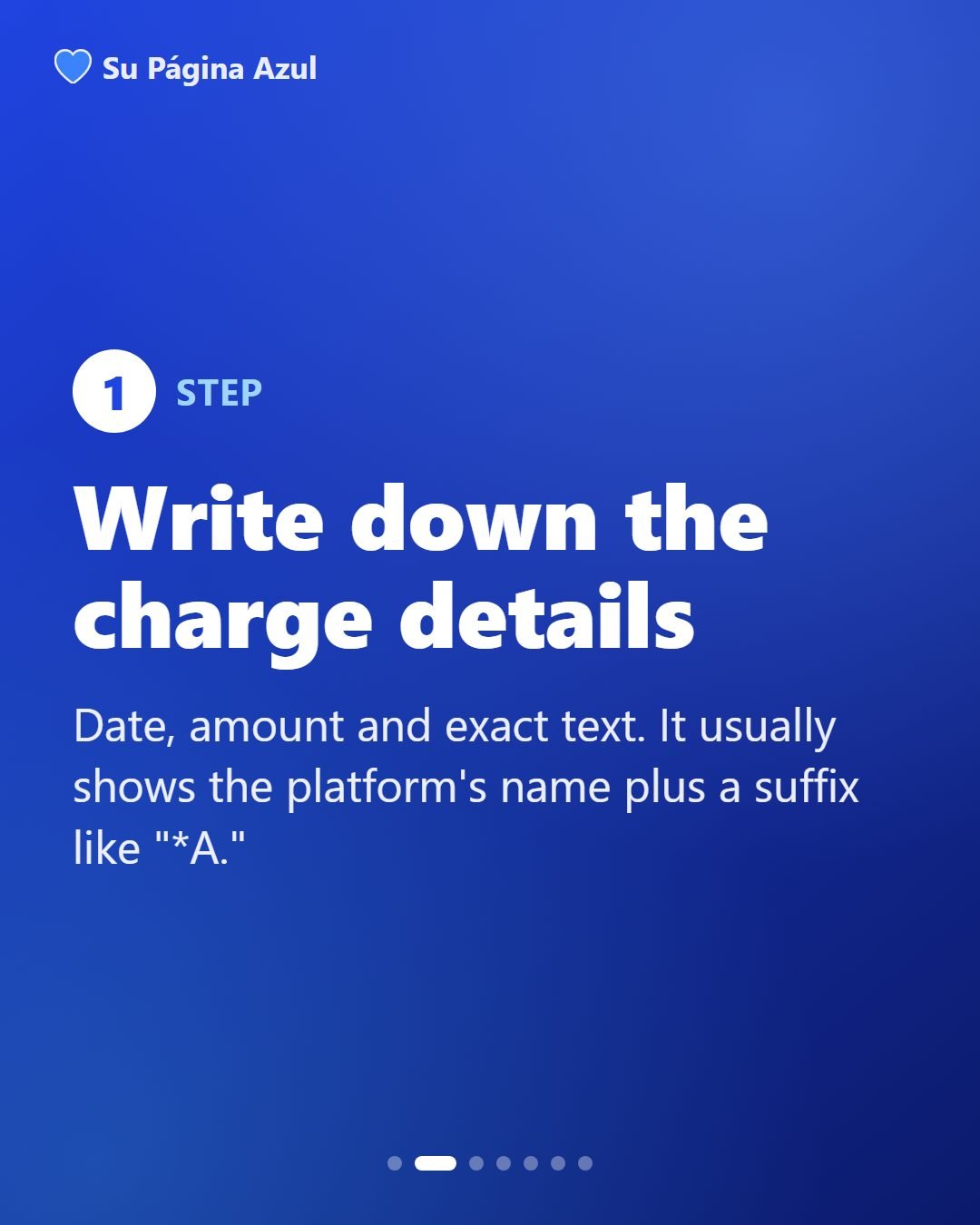
Swipe to see them all.
Frequently asked questions
Does the creator's name appear on my statement?
It depends on the bank and the period. Some sources say "OF*" with her name used to appear; others say only the platform's name shows today. Confirm it with your own statement.
Can I hide the charge?
You can't change what the bank writes. You can use a separate card, but hiding it from people who share your accounts can cause confusion if you later dispute charges.
How long does a refund take?
There is no single deadline. It depends on whether the platform or your bank resolves it, and on your country. Always ask for a case number and keep the communications.
Should I block my card over an unknown charge?
If you suspect someone else used it, yes: a temporary block is the first step banks and consumer groups recommend, and you can unblock it if it was a false alarm.
What if I file a chargeback without talking to support?
The terms ask users not to file them without justification, and the platform may suspend accounts for bad-faith chargebacks. Write to support first and keep a record.
Sources
- Privacy.com, article on hiding OnlyFans from your bank statement, by Ashley Ferraro, September 25, 2025: descriptor formats (ONLYFANS.COM with suffix, OF*, Fenix International Limited, CCBill). A commercial blog; exact formats depend on the bank.
- OCU, "Fraudes con tarjetas: devolución de las entidades," March 6, 2020: block, report and claim; refund deadline in Spain.
- BBVA Mexico, "Cargos no reconocidos" (help center): reporting steps, case number and investigation times.
- Alphr, "How to Turn Off Auto-Renew & Cancel an OnlyFans Subscription," July 17, 2022: no refund for failing to cancel.
- OnlyFans Terms of Service, per the Conduct Atlas record (reviewed October 21, 2026): prices in dollars, refunds and chargebacks.