









Short answer: a link is suspicious when its real domain isn't the official one of the brand it mentions, when it imitates a well-known name with one letter changed, when it's shortened, when it leads to a file to install or when it promises something free in exchange for logging in. Paste the link into the tool: it analyzes it in your browser, without opening it, and shows you the real domain and every warning sign.
Check a link
The check runs in your browser: the link isn't opened or sent to any server. It's a helper, not a guarantee: a link with no warning signs can still be dangerous.
What the tool checks
| Warning sign | Why it matters | Made-up example |
|---|---|---|
| The real domain isn't the official one | The only thing that counts is the domain right before the first slash. Everything else can be made up. | onlyfans.com.verify-account.xyz (the real domain is verify-account.xyz) |
| One letter changed | Scammers register near-identical names: a zero instead of an o, "rn" instead of "m". | instagrarn.com, 0nlyfans.net |
| Special characters (homographs) | Some letters from other alphabets look exactly like Latin ones. The browser turns them into a code that starts with "xn--". | xn--pypal-4ve.com |
| Shortened link | You can't see where it goes. It's widely used to hide fake pages. | bit.ly/3xYz… |
| An "@" before the domain | Whatever comes before the @ is ignored: the link takes you to what comes after it. | https://instagram.com@fake-site.top |
| A file to install | An .apk or .exe sent to you in a message may be a program that steals your data. | …/view-profile.apk |
| "Free" or "verify your account" bait | It's the classic hook: they promise free content or scare you with a lockout so you type your password. | …/login-verify-account |
| No secure connection (http) | Whatever you type travels unencrypted. No legitimate site asks for your details like that. | http://secure-payment… |
How to read a link in 4 steps
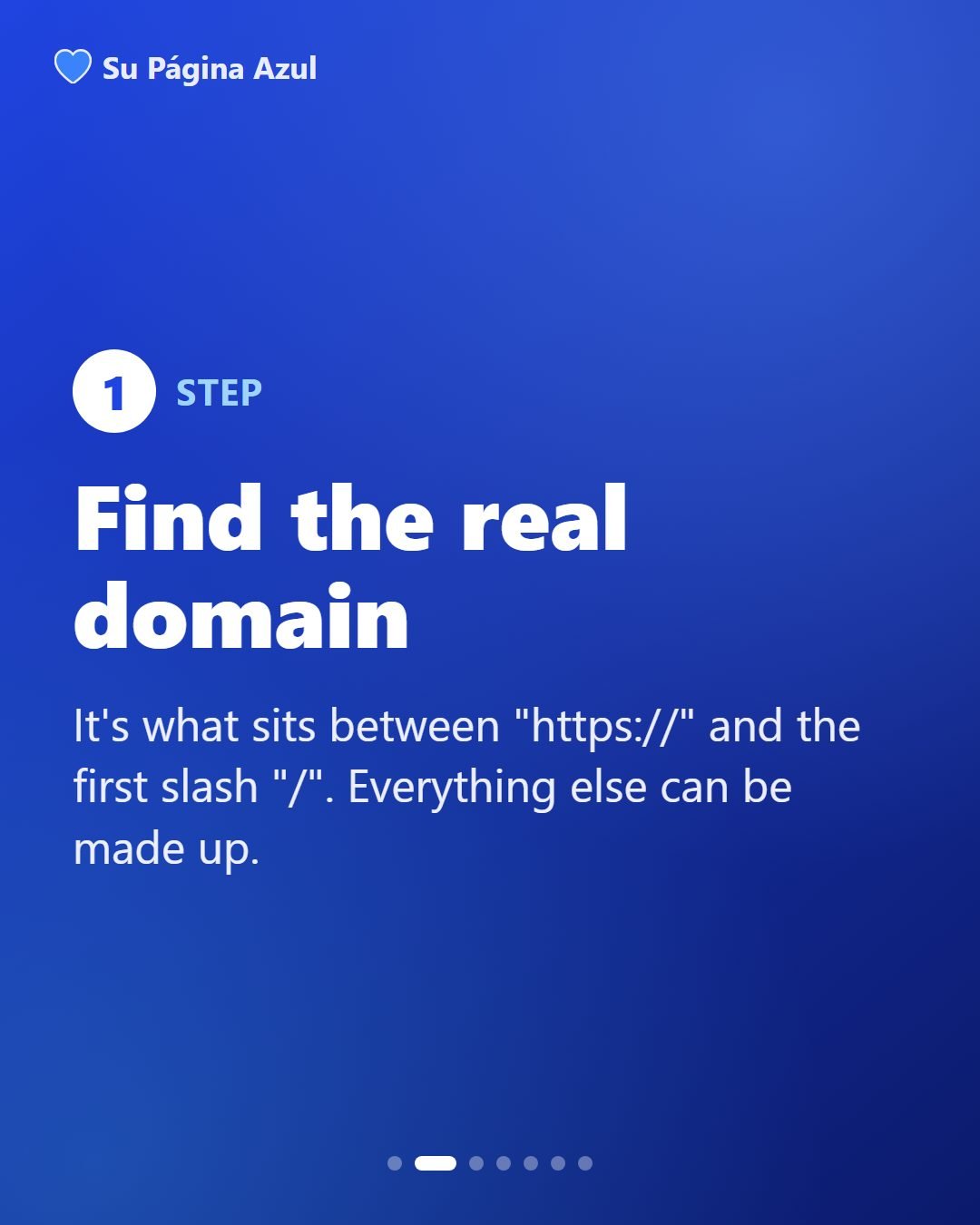
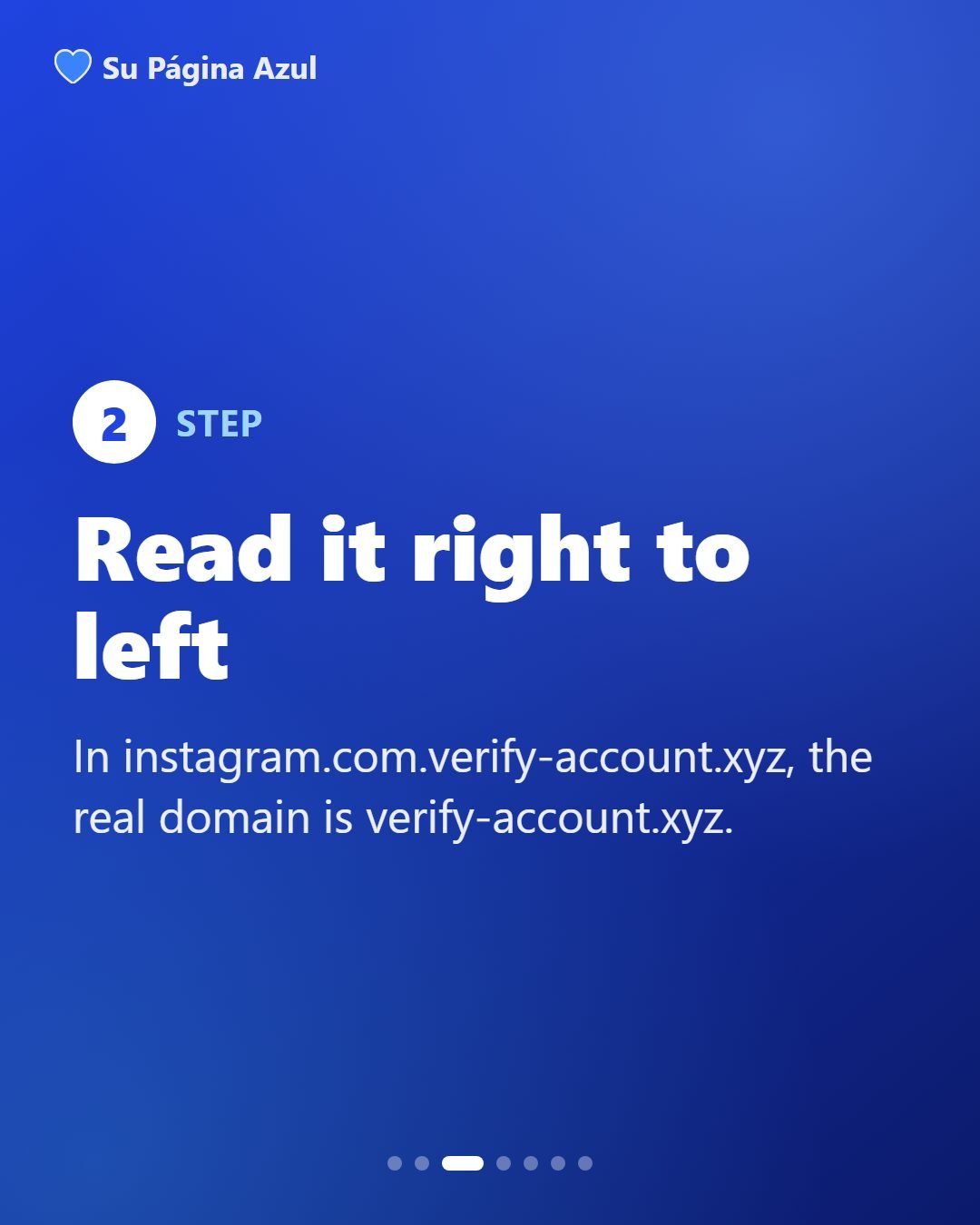
- Find the real domain. Look at what's between "https://" and the first slash "/". Read it from right to left: the last two parts (or three, in addresses like .co.uk) are the real domain. In
profile.onlyfans.com.site.top/login, the real domain issite.top. - Compare it with the official one, letter by letter. If the brand is Instagram, the domain must be exactly instagram.com. Anything added ("-support", "-login", a different ending) is a different site.
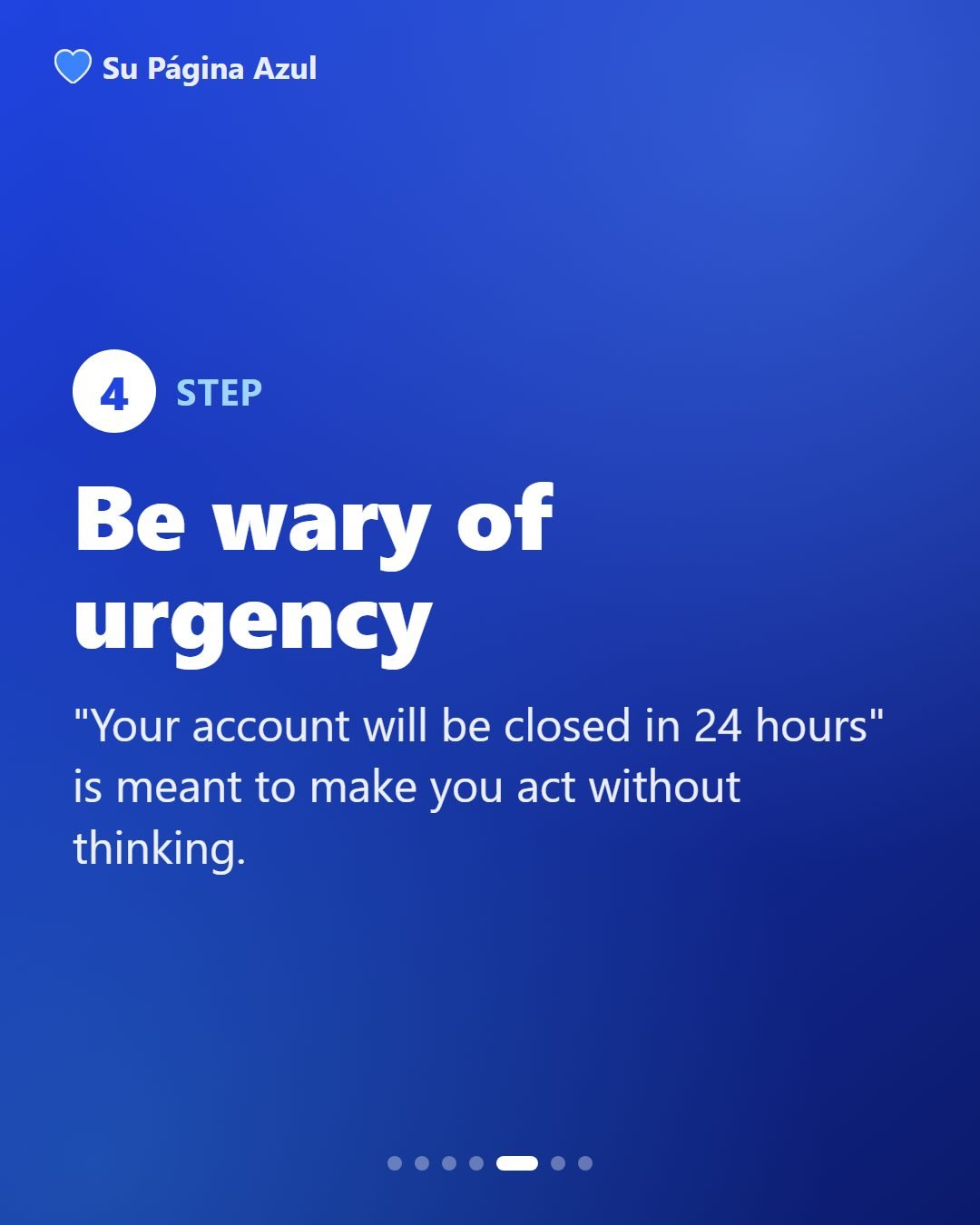
- Be wary of urgency. "Your account will be closed in 24 hours", "last free day" or "you've won a prize" are phrases meant to make you act without thinking.
- Go there yourself. If a message says there's a problem with your account, don't tap the link: open the official app or type the address into your browser and check there.
If you already opened the link or typed your details
- If you typed your password: change it right away on the official site and on any other account where you used the same one. Turn on two-step verification. We explain how in how to secure your account.
- If you entered card details: call your bank, ask them to block the card and review your latest transactions. More in charges on your bank statement and how to dispute them.
- If you installed a file: uninstall it, run an antivirus scan and change your passwords from another device.
- If someone took over a social account: follow the steps in what to do if your Instagram or TikTok is hacked.
- To get help or report it: in the United States, the FTC's ReportFraud.ftc.gov site (you can also forward scam texts to 7726); in Spain, INCIBE's free 017 helpline. Elsewhere, contact your police's cybercrime unit.
For a second opinion
If the link shows no warning signs but you're still unsure, check it with free tools that look it up in lists of known dangerous sites, without visiting the page:
- Google Safe Browsing: its site status tool is in Google's Transparency Report (transparencyreport.google.com/safe-browsing/search). Paste the address and it tells you whether Google has flagged it as dangerous.
- VirusTotal: checks the link against more than 70 antivirus scanners and blocklisting services, free for personal use. What you submit is shared with its community, so don't paste links that contain your personal details.
No tool is foolproof: a fake site created today may not be on their lists yet.
Scams around the página azul almost always follow the same script: Telegram groups selling celebrity content, fake profiles and so-called "free premium accounts". We explain them in the scams that use the página azul and in how to spot fake accounts. To check a specific profile, take the fake account test.
More tools: the strong password generator, remove the location from your photos and all free tools.
This guide in 7 images

Swipe to see them all.
Frequently asked questions
Does the tool open the link?
No. It only reads the text you paste and analyzes it in your browser. It doesn't visit the page or send the link to any server, so you can check dangerous links safely.
If it says "no warning signs", is the link safe?
Not necessarily. The tool detects the most common tricks, but a fake page can use a brand-new domain that looks normal. If you're asked for a password, card or code, always go through the official app.
Why does it flag a shortened link as a risk?
Because it hides the destination. Many shorteners are legitimate, but people who want to hide a fake page almost always use one. If you trust the sender, ask for the full link.
What should I do with a link I got on WhatsApp or Telegram?
Paste it here before opening it. If it promises free content from a celebrity, a prize or asks you to verify your account, delete it and block the contact.
Can I check a link from my phone?
Yes. Press and hold the link in the message, choose "Copy link" and paste it into the box above.
Sources
- INCIBE (Spain), Internet User Security Office, "Cómo comprobar si un enlace es malicioso" (PDF guide): HTTPS doesn't guarantee the right site, compare letter by letter, press and hold the link on a phone, expand shortened links and beware of .exe and .zip.
- US Federal Trade Commission (FTC), "How To Recognize and Avoid Phishing Scams", September 2022.
- Gmail Help, "Avoid & report phishing emails".
- Google Search Central, announcement of Google Safe Browsing's site status tool (2017).
- VirusTotal, "How it works" and "Results and reports" documentation.
- The Chromium Project, "Internationalized Domain Names (IDN) in Google Chrome", and ESET WeLiveSecurity, "Ataques homográficos: no creas en todo lo que ves", July 13, 2017.