








Short answer: a strong password is long, unique to each account and created at random. For accounts you keep in a password manager, use 16 random characters or more. For the one you have to memorize (your email or your password manager), use a passphrase of 7 or 8 randomly chosen words. The generator runs in your browser and doesn't send or store anything.
Password generator
The password is created on your device with your browser's secure random number generator. It isn't sent to any server or saved: if you reload the page, it's gone.
Random password or passphrase?
| Random password | Passphrase | |
|---|---|---|
| Example | t7#Qm2!vLx9@pR4e | harbor-cloud-Wheat-pencil-maple-wave-honey-42 |
| What it's for | Accounts you store in a password manager: social media, platforms, shops. | What you need to remember: your password manager's master password, your email, your computer. |
| Recommended length | 16 characters or more | 7 or 8 words or more |
| Advantage | Very strong in little space. | Easy to remember and to type on a phone. |
How to use it, step by step
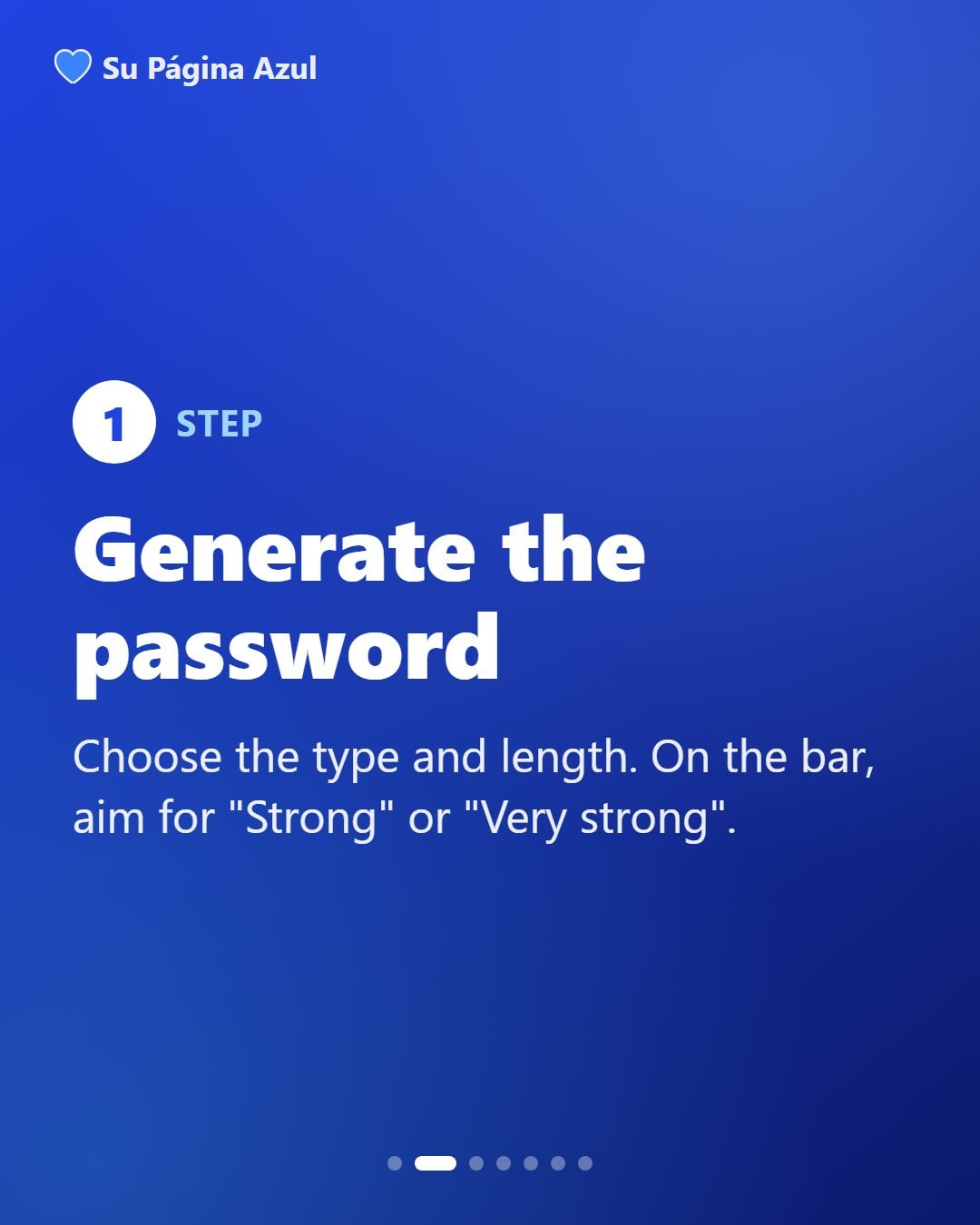
- Generate the password. Choose the type and length. The bar shows how strong it is; aim for "Strong" or "Very strong".
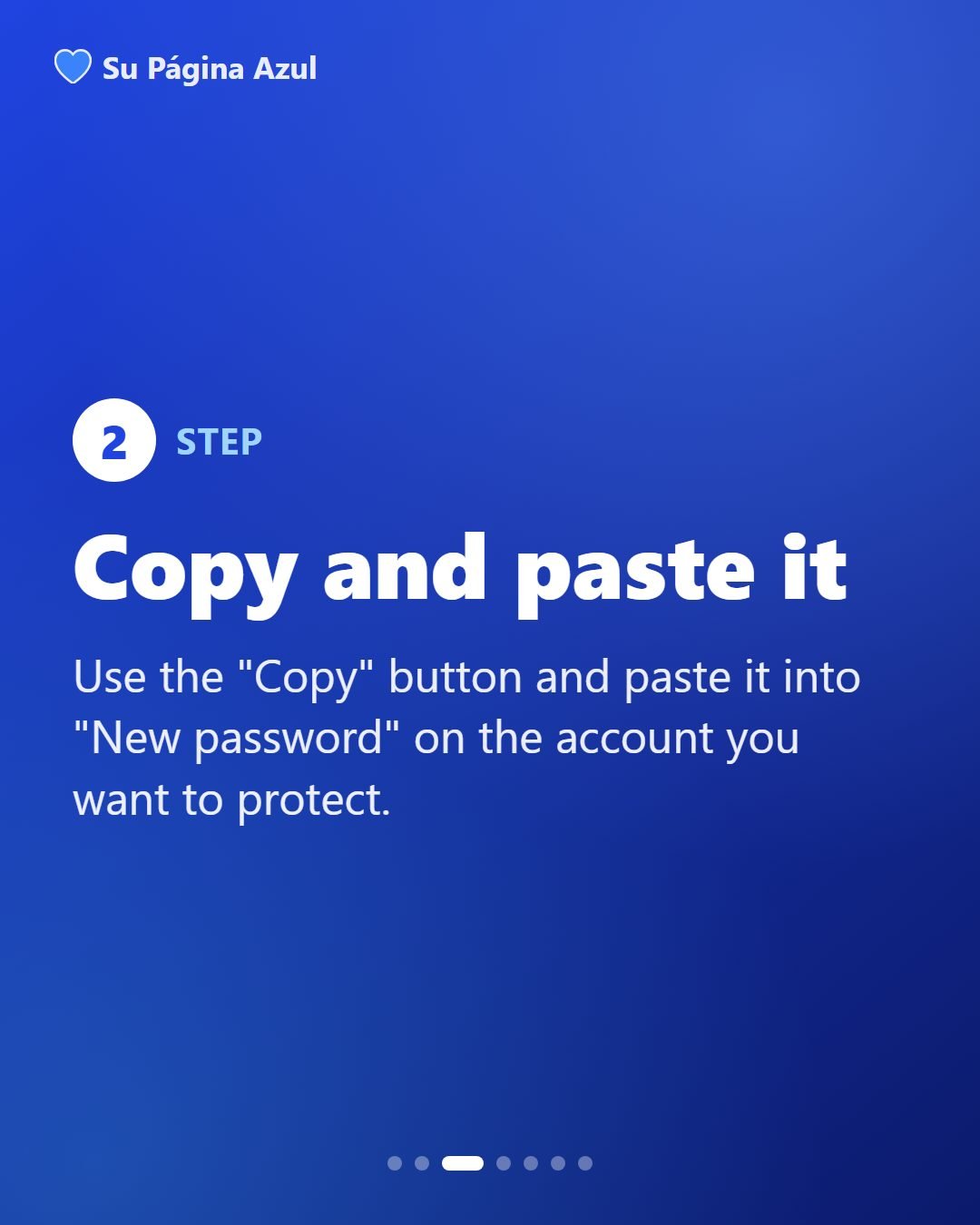
- Copy it with the "Copy" button and paste it into the "New password" box of the account you want to protect. If the page asks you to confirm it, paste it again.
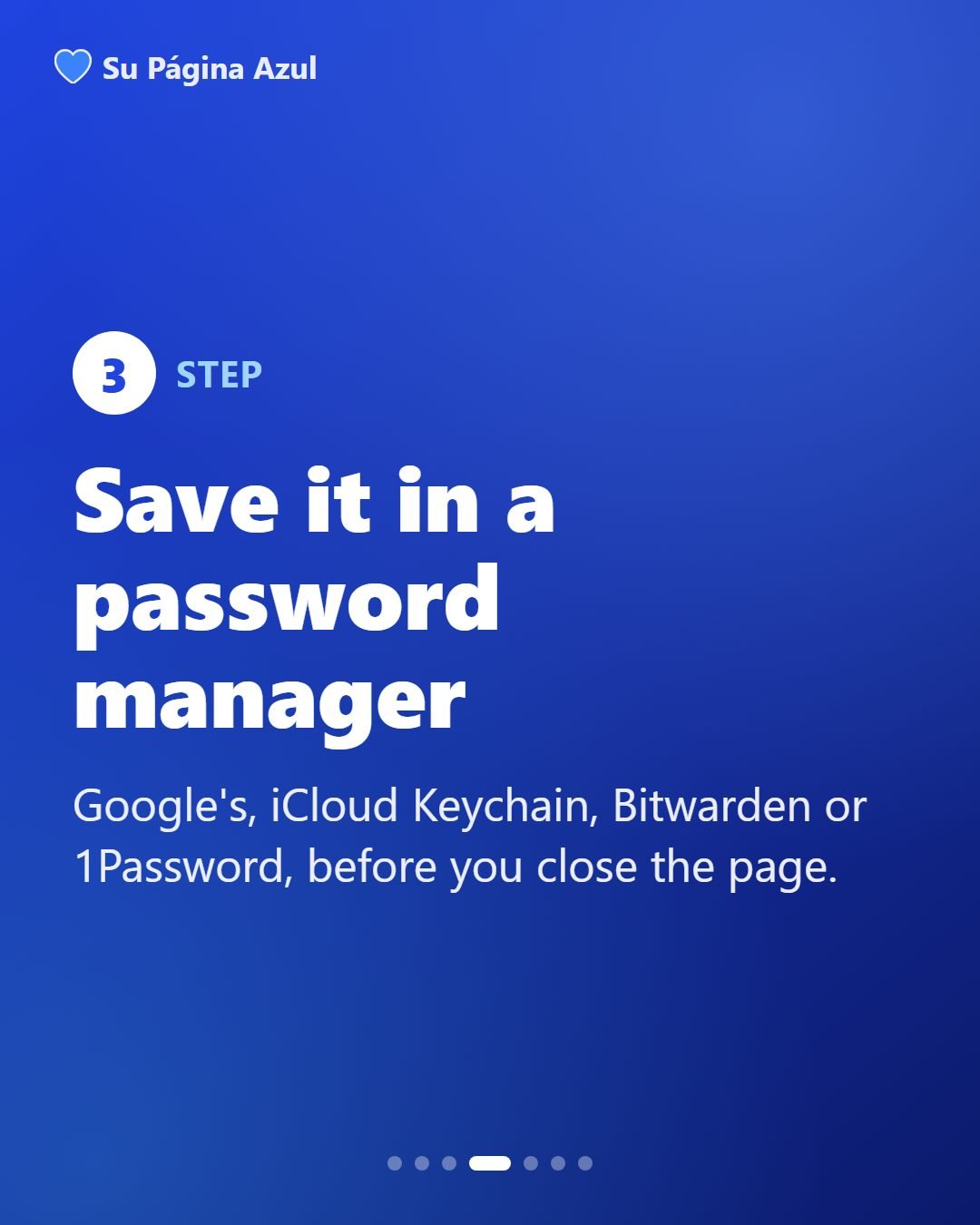
- Save it in a password manager before you close this page: Google's (in Chrome and Android), iCloud Keychain (on iPhone and Mac) or a standalone one such as Bitwarden or 1Password. We compare them in apps and software for content creators.
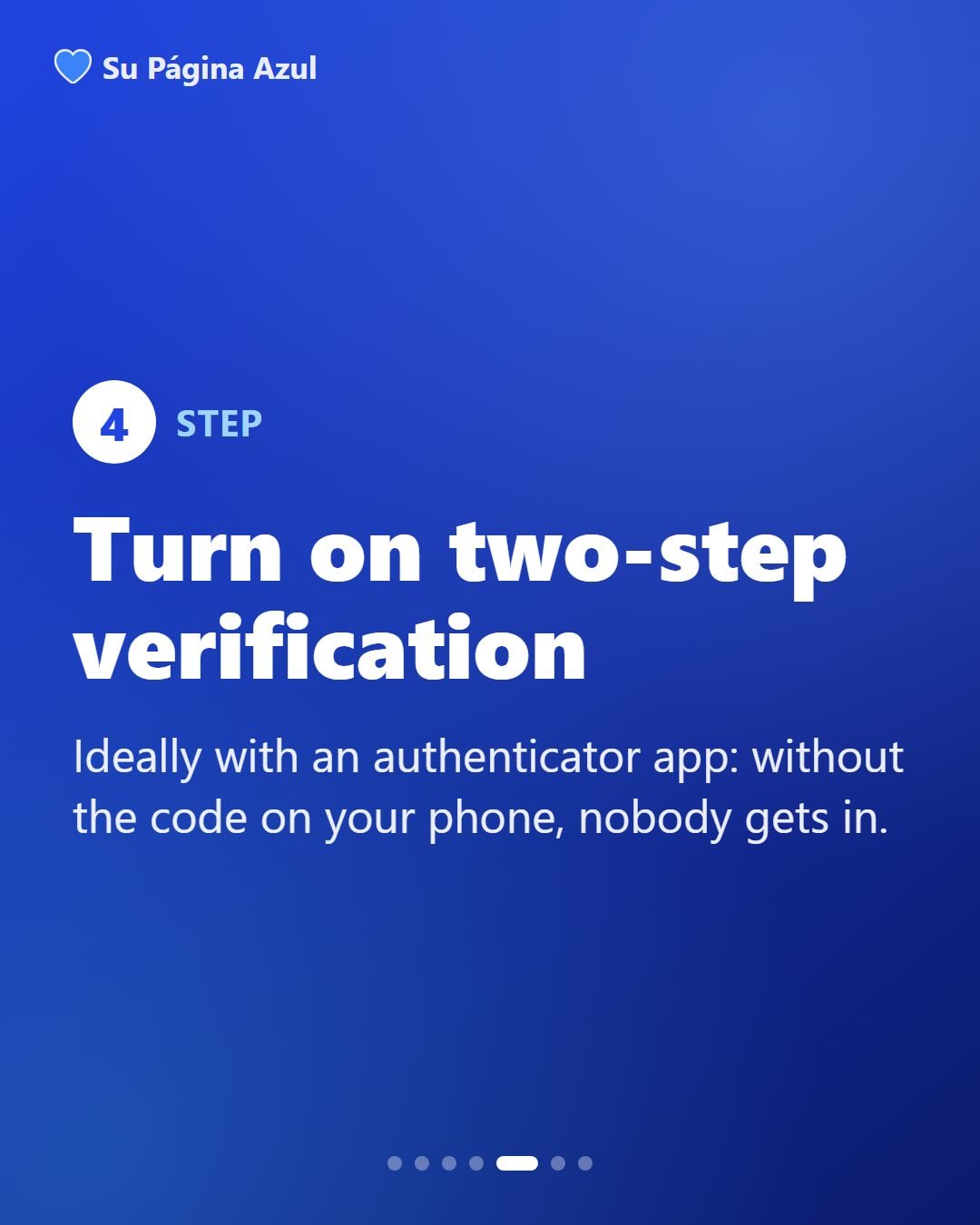
- Turn on two-step verification on that same account, ideally with an authenticator app. That way, even if someone gets your password, they can't get in without the code on your phone.
- Repeat with your most important accounts: your email first (because it's used to recover all the others), then your bank, your social media and your subscription platforms.
What the strength bar means
Strength is measured in bits: each extra bit doubles the number of combinations an attacker would have to try. A 16-character password with uppercase, lowercase, numbers and symbols has about 100 bits; a 7-word passphrase from this list, about 64. As a guide: under 50 bits is weak, 50 to 69 is fair, 70 to 99 is strong and 100 or more is very strong.
The measure only holds for randomly created passwords, like the ones from this generator. A password you make up yourself, even a long one, is usually much weaker because it follows patterns: your name, your date of birth, your pet's name or "Password123".
Common mistakes
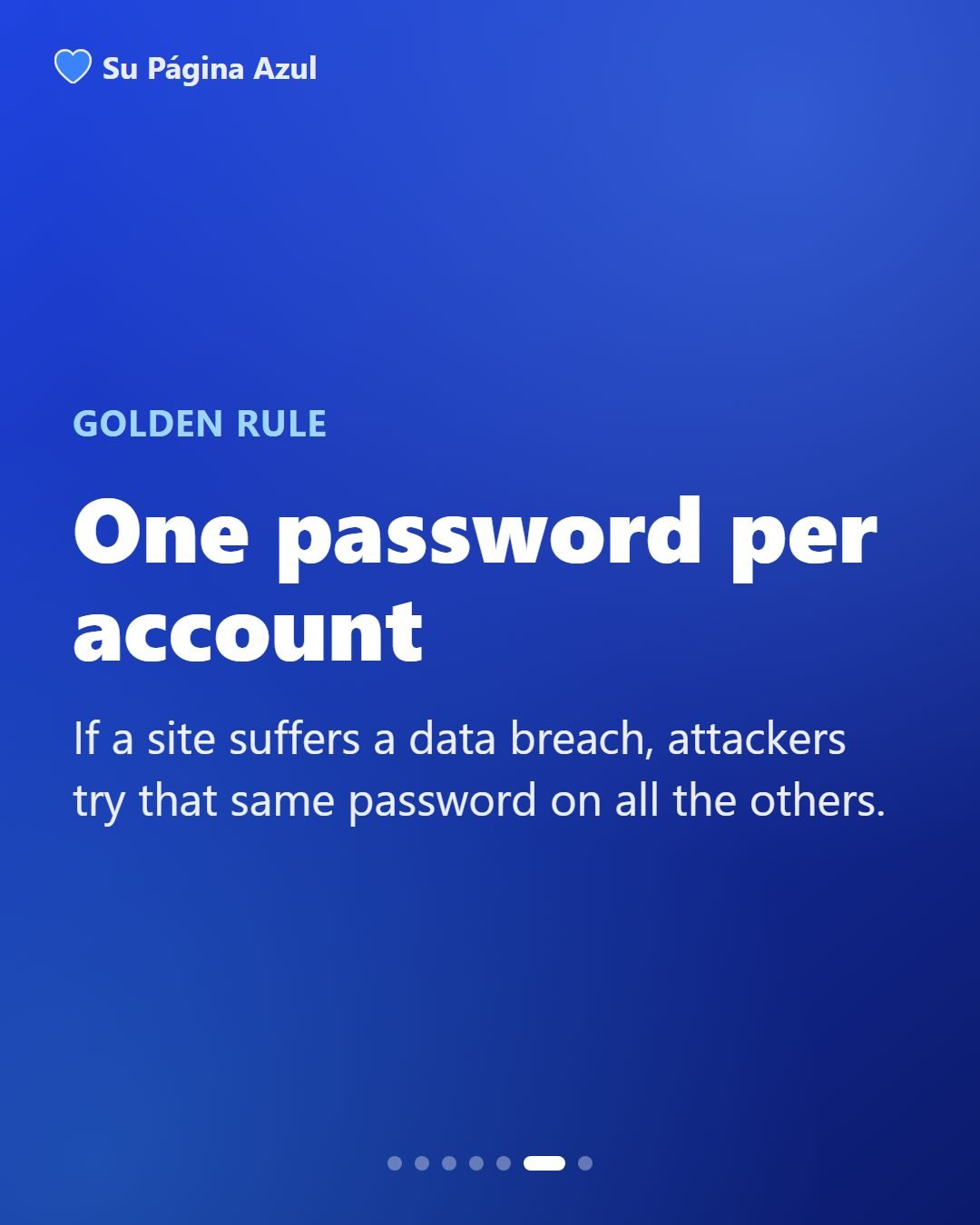
- Using the same password on several accounts. If one site suffers a data breach, attackers try that password on all the others.
- Changing just a number at the end ("Maria2025" → "Maria2026"). It's the first thing they try.
- Keeping it in a phone note or a chat with yourself. If someone gets into your phone or your chat, they have them all.
- Typing it on a page you reached from a message. Before you enter your password, check the address with the is this link safe? tool.
If you think someone has already got into one of your accounts, follow the steps in how to secure your account and what to do if it's stolen or in what to do if your Instagram or TikTok is hacked.
More tools: is this link safe?, remove the location from your photos and all free tools.
This guide in 7 images
Swipe to see them all.
Frequently asked questions
Is it safe to create a password on a website?
On this one, yes, because the password is created in your own browser and never travels over the internet. You can check it: load the page, disconnect from the internet and the generator keeps working.
How often should I change my passwords?
If they're long and unique, you don't need to change them on a schedule: the US NIST password guidelines (2025 revision) say services shouldn't force periodic changes, but you should change a password right away if there are signs someone knows it, for example after a data breach or a login alert you don't recognize. Spain's INCIBE still advises changing them at least every 6 months. Everyone agrees on using a different one for each account.
How long should a strong password be?
Google recommends at least 12 characters. The NIST guidelines require at least 15 when the password is the only thing protecting the account, and 8 when you also use two-step verification. The US cybersecurity agency (CISA) advises 16. If you keep it in a password manager, 16 random characters or more cost you nothing.
Are passphrases made of common words secure?
Yes, if the words are chosen at random, as the generator does, and you use 7 or 8 or more. A phrase you make up yourself ("ilovecoffee") is much easier to guess.
What if I forget the password?
That's why it's best to store it in a password manager and memorize just one: the manager's. Also set up a recovery email and phone number on every account.
Sources
- NIST, "SP 800-63B-4: Digital Identity Guidelines. Authentication and Authenticator Management", final version of July 2025, sections 3.1.1.2 and 8.1.2.1: minimum length, passphrases and changes only when there are signs of compromise (accessed November 15, 2026).
- Google Account Help, "Create a strong password & a more secure account": at least 12 characters, a unique password per account and a password manager.
- CISA, "Use Strong Passwords" (Secure Our World): 16 characters, unique passwords and password managers.
- INCIBE (Spain), "Gestión de contraseñas seguras" and "Contraseñas seguras: te explicamos cómo conseguirlo" (February 28, 2024).